
Laser Engraving Photo Prep — Guides & Examples
Everything about photo preparation for laser engraving: how to prepare a photo for laser engraving on wood, granite, metal and tumblers, how memorial portraits are retouched for headstones, and why some engraved photos look bad — with real before/after examples from our AI restoration and retouching pipeline.
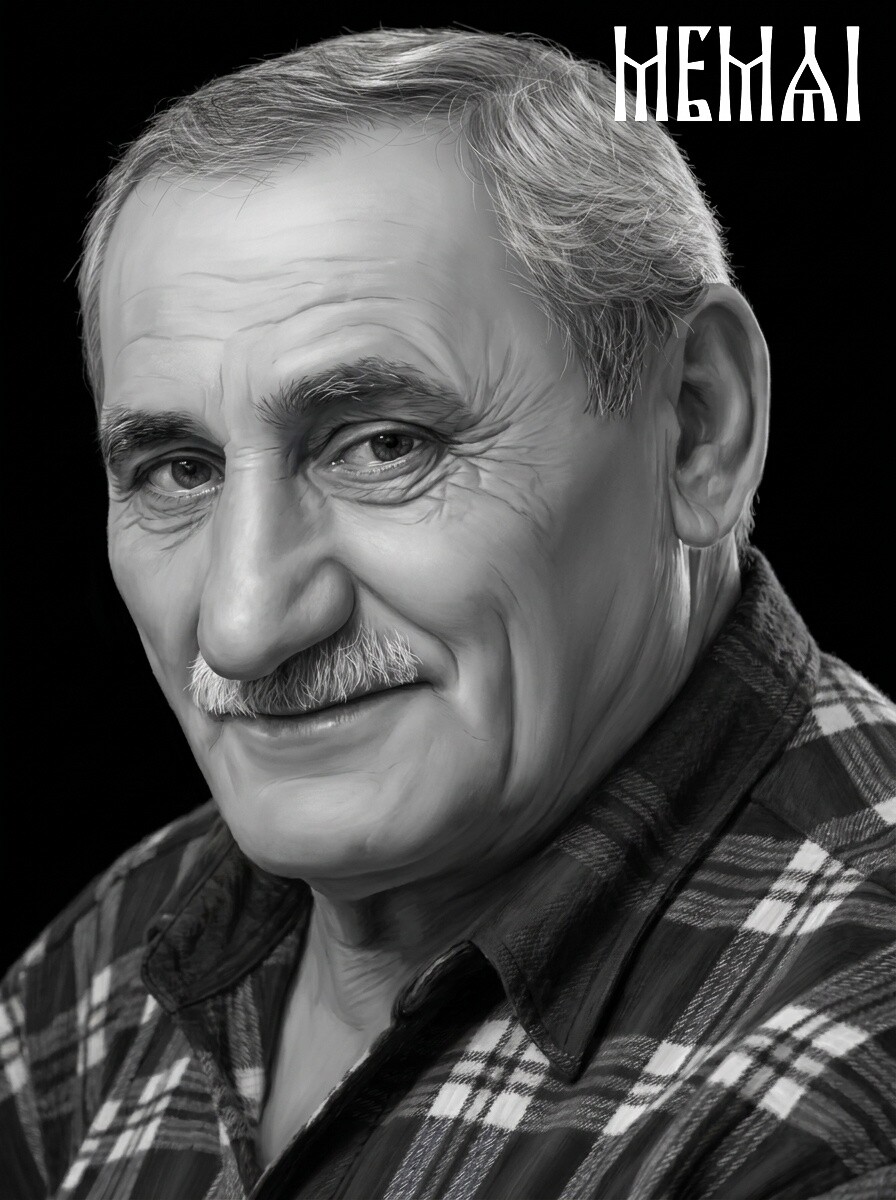
30 Before & After Examples of AI Portrait Retouching
Thirty real portraits restored and retouched for laser engraving — hover any image to reveal the finished result our AI pipeline produces.
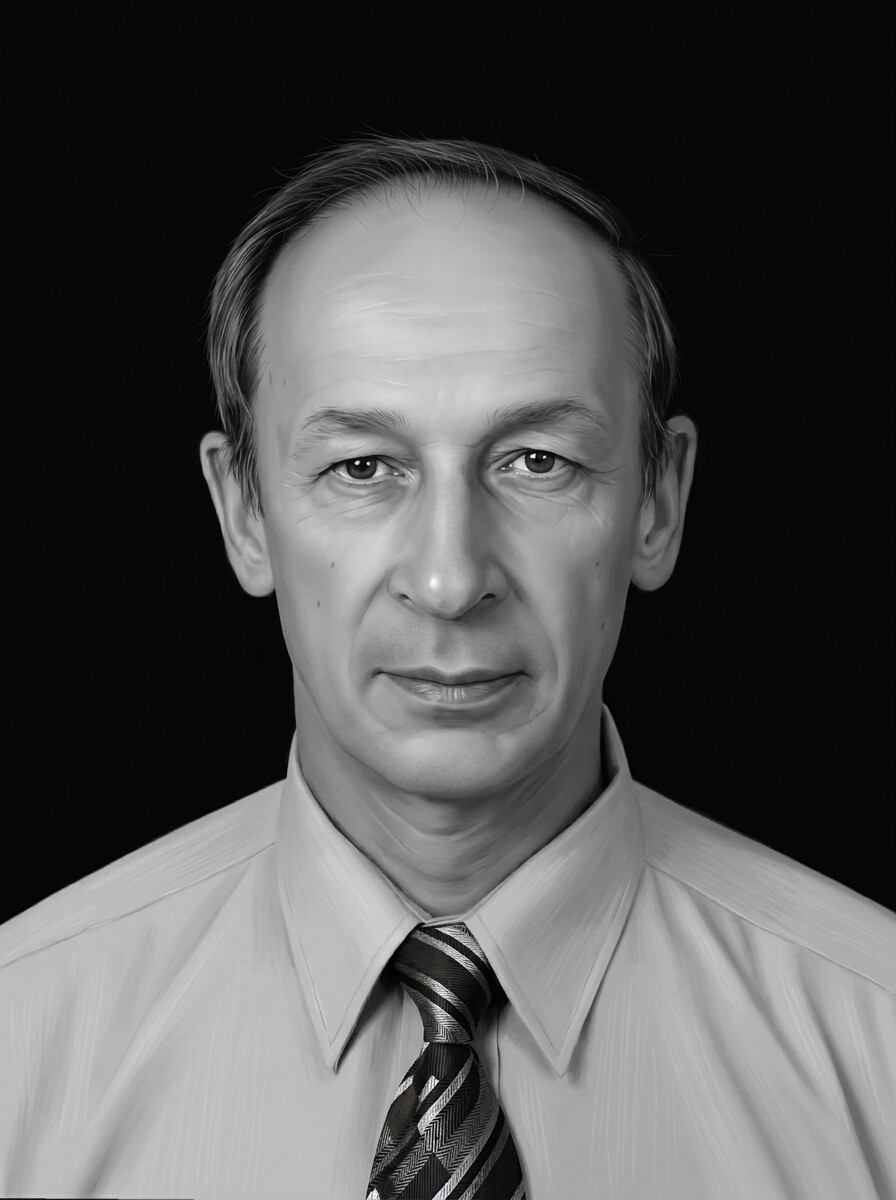
How to Prepare a Photo for Laser Engraving (Complete 2026 Guide)
Resolution, contrast, backgrounds and file formats: the full workflow from a phone snapshot to a machine-ready portrait, step by step.

Headstone Portrait Retouching: How Memorial Photos Are Prepared for Granite
How memorial portraits are restored and retouched for black granite: keeping the likeness true, repairing damage and building the contrast a laser needs.
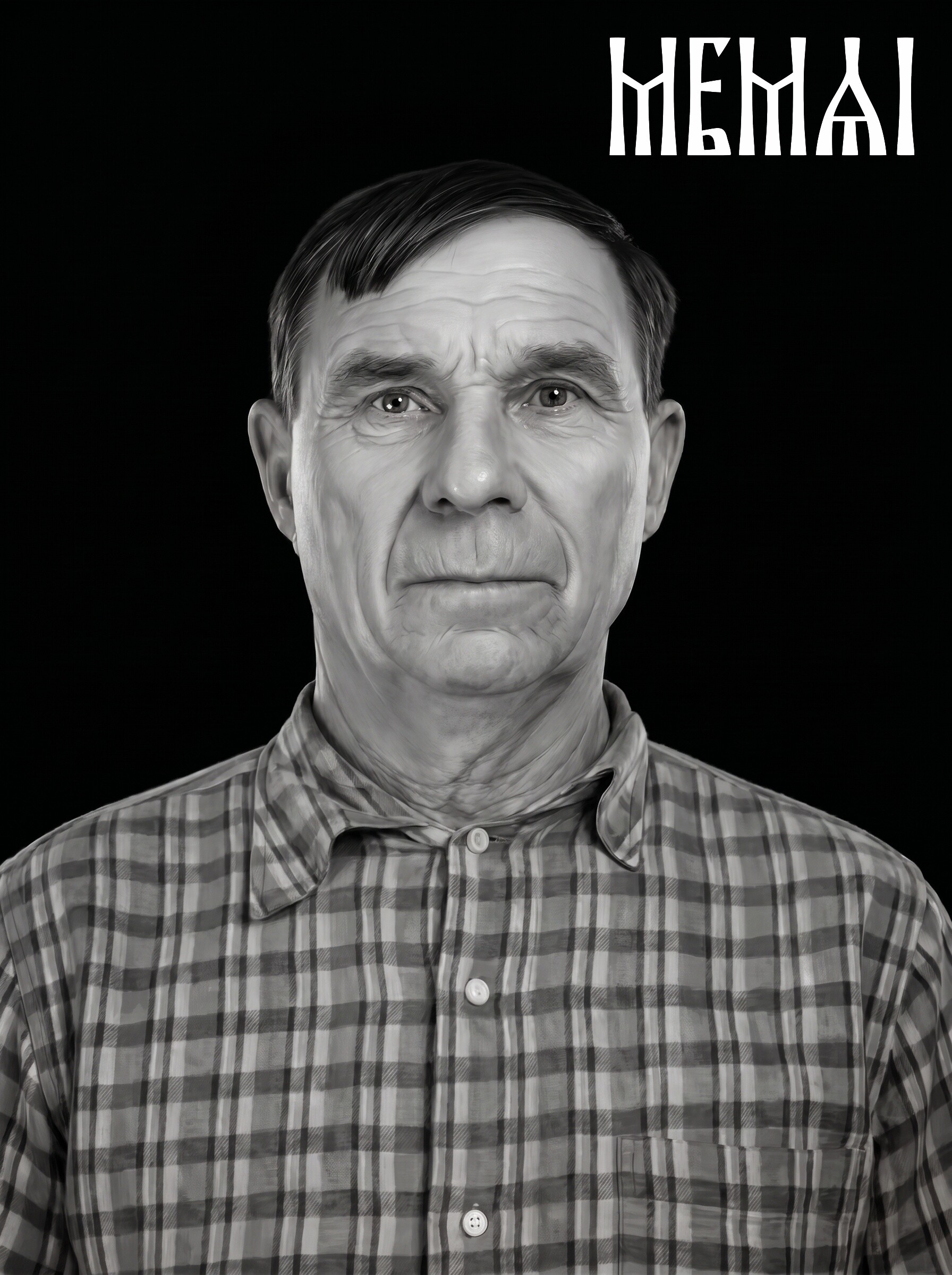
Preparing Photos for Wood Laser Engraving (Glowforge & xTool)
Wood burns dark on light — the opposite of granite. What changes in your photo prep for Glowforge and xTool machines, from wood choice to contrast.
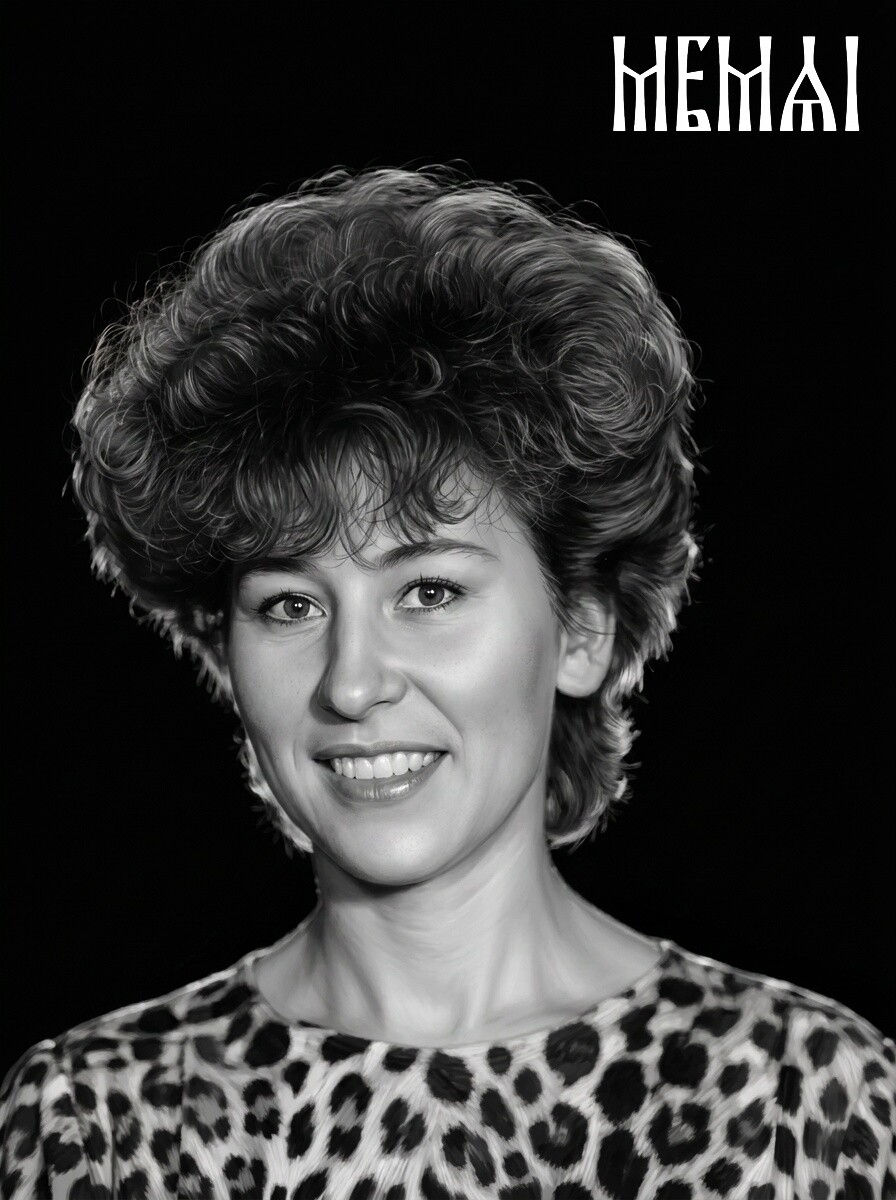
Why Your Laser Engraved Photo Looks Bad — and How to Fix It
Muddy faces, blown-out highlights, missing eyes: the most common photo engraving failures, what causes each one and how to fix them before you burn.

Photo Engraving on Tumblers: Image Prep for Rotary Lasers
Curved stainless steel is unforgiving. How to prep portraits and pet photos for tumbler engraving with a rotary attachment — sizing, wrap distortion, contrast.
Try it free — first photo on us
Upload a photo and get an engraving-ready portrait in about 5 minutes. No Photoshop, no signup — see the result on your own photo before you decide.
Prepare my photo freeBefore & After: Real Photo Prep Examples
Every portrait below went through the same AI pipeline you can try yourself: restoration → retouching → background removal → machine-ready file for a laser engraver.
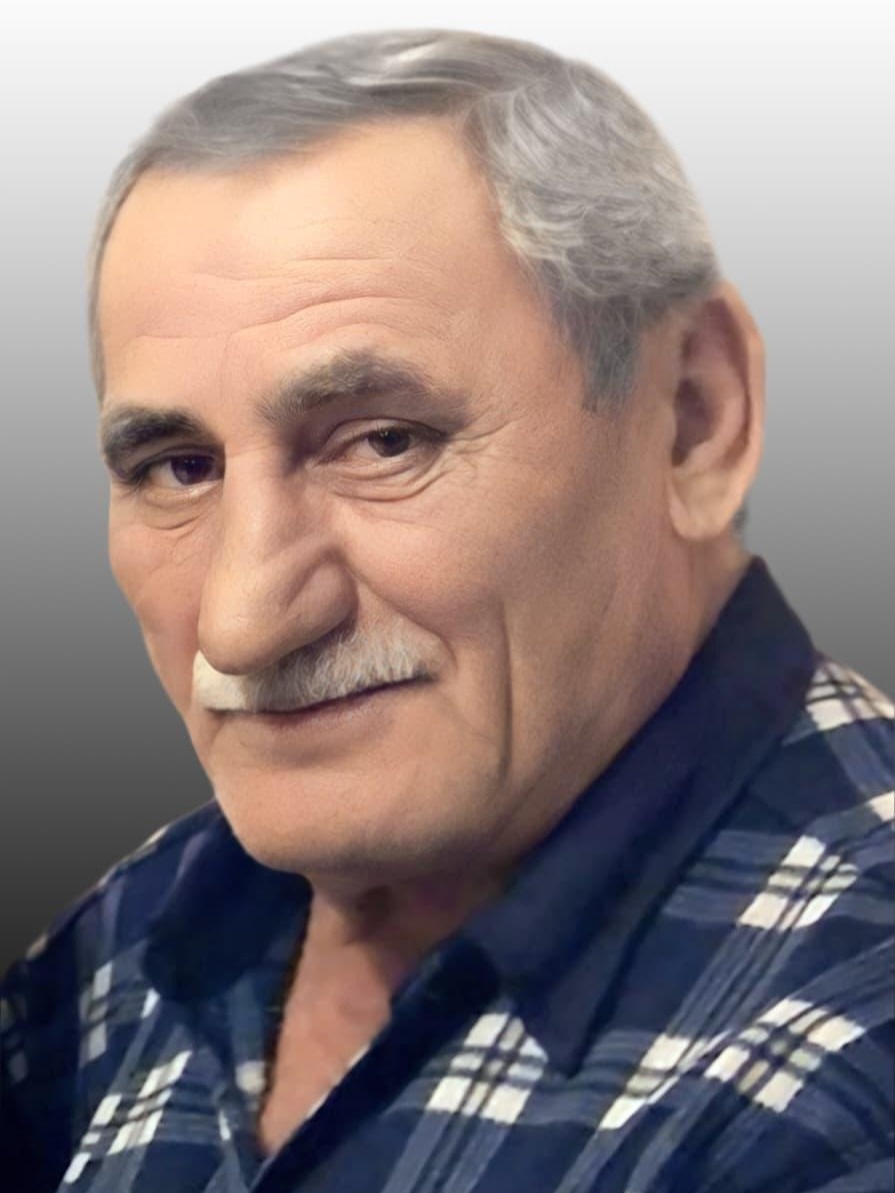 Before
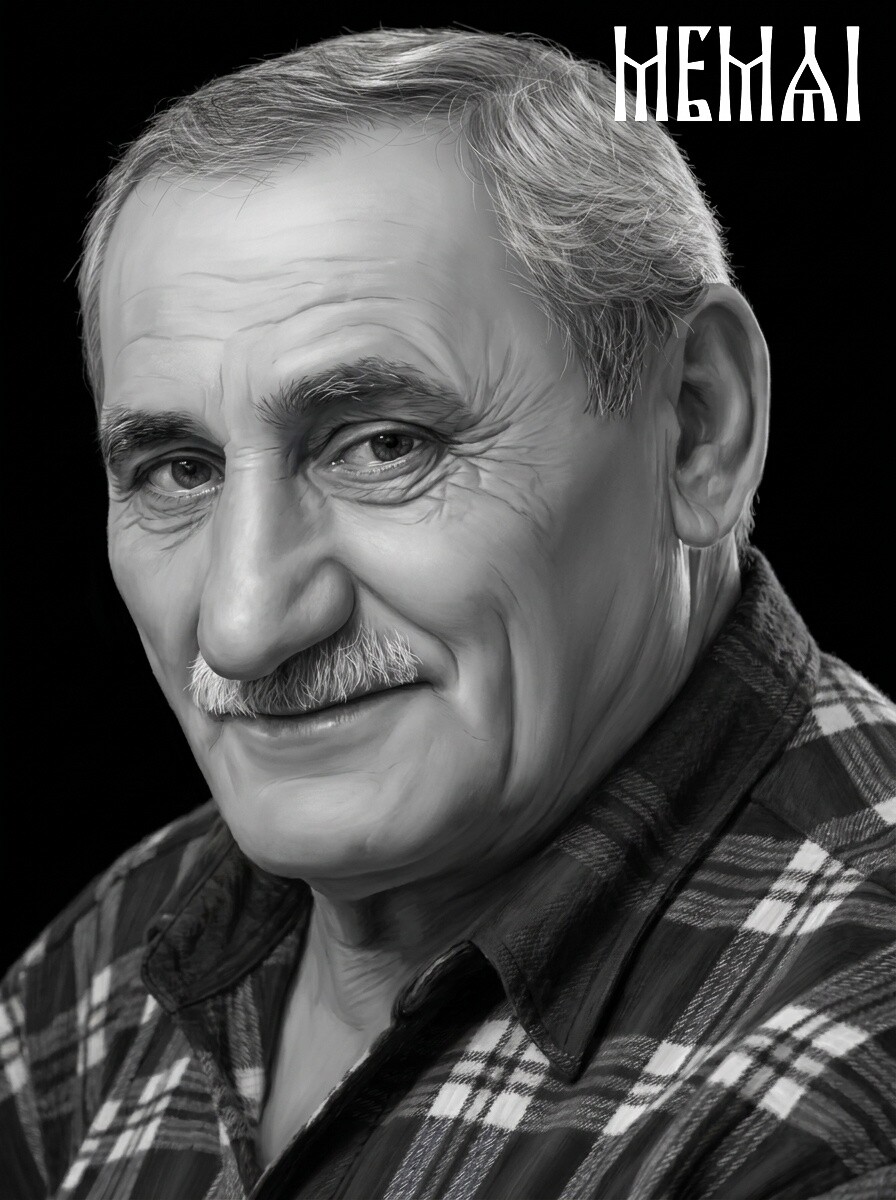 After
After
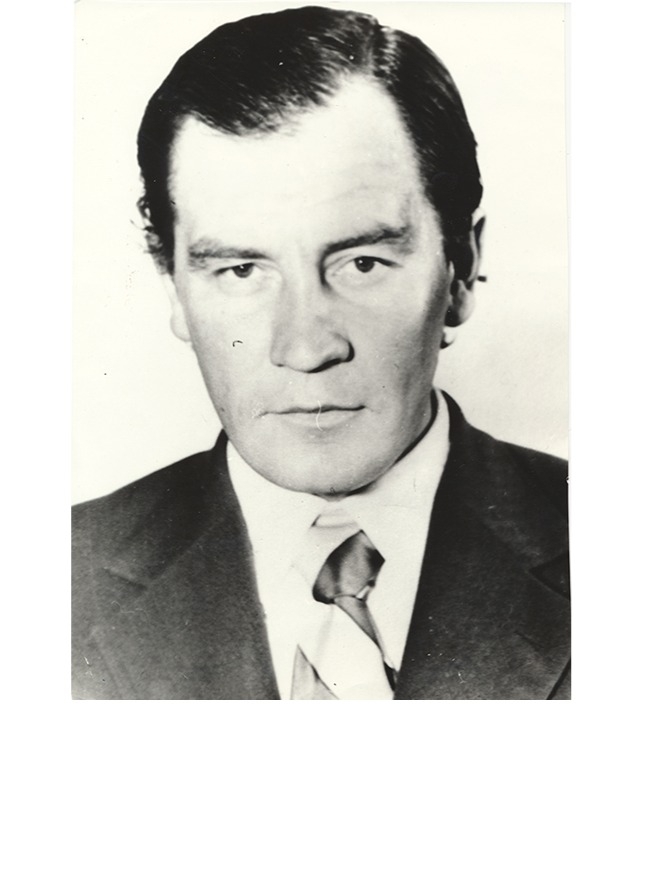 Before
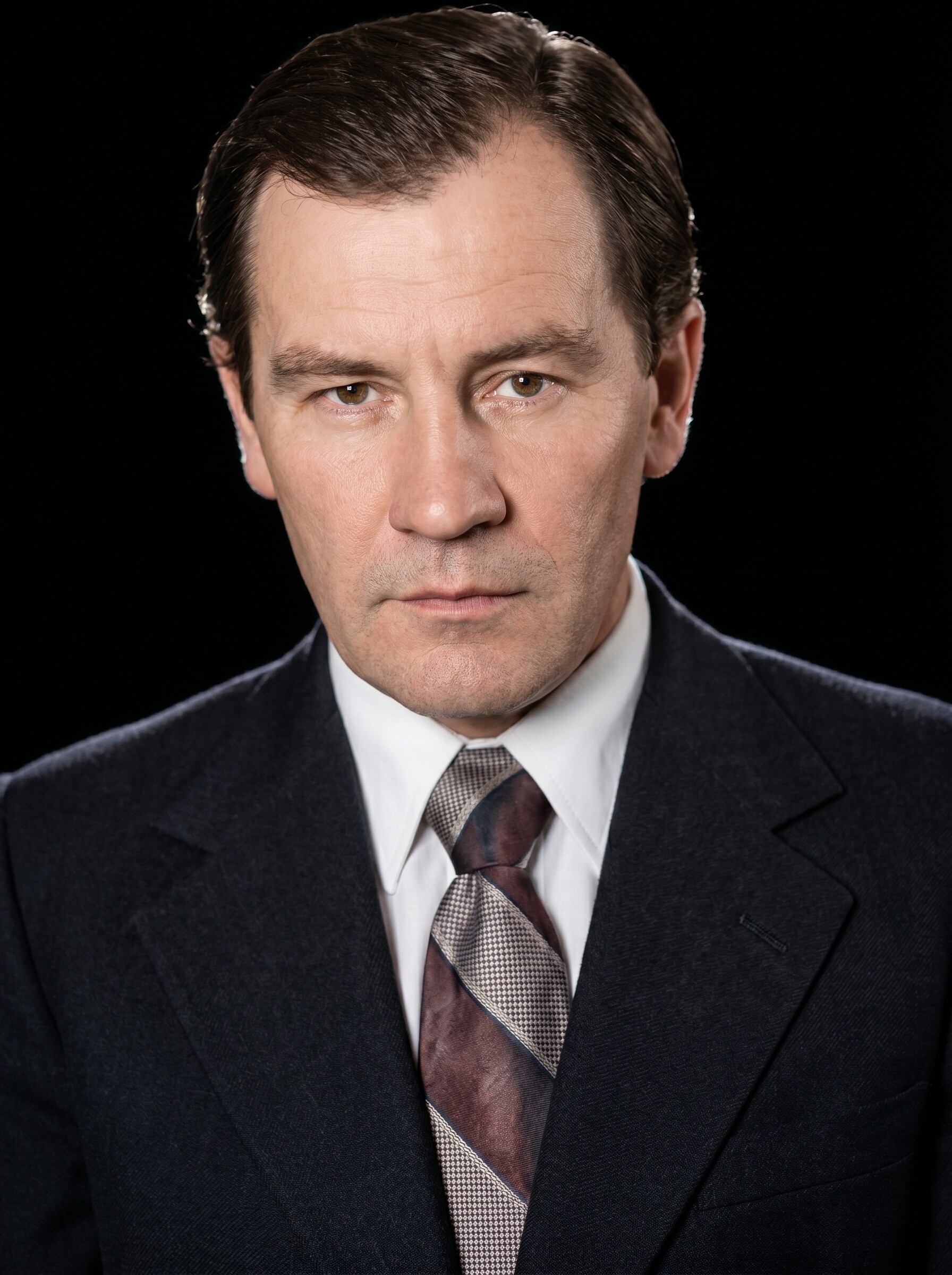 After
After
 Before
 After
After
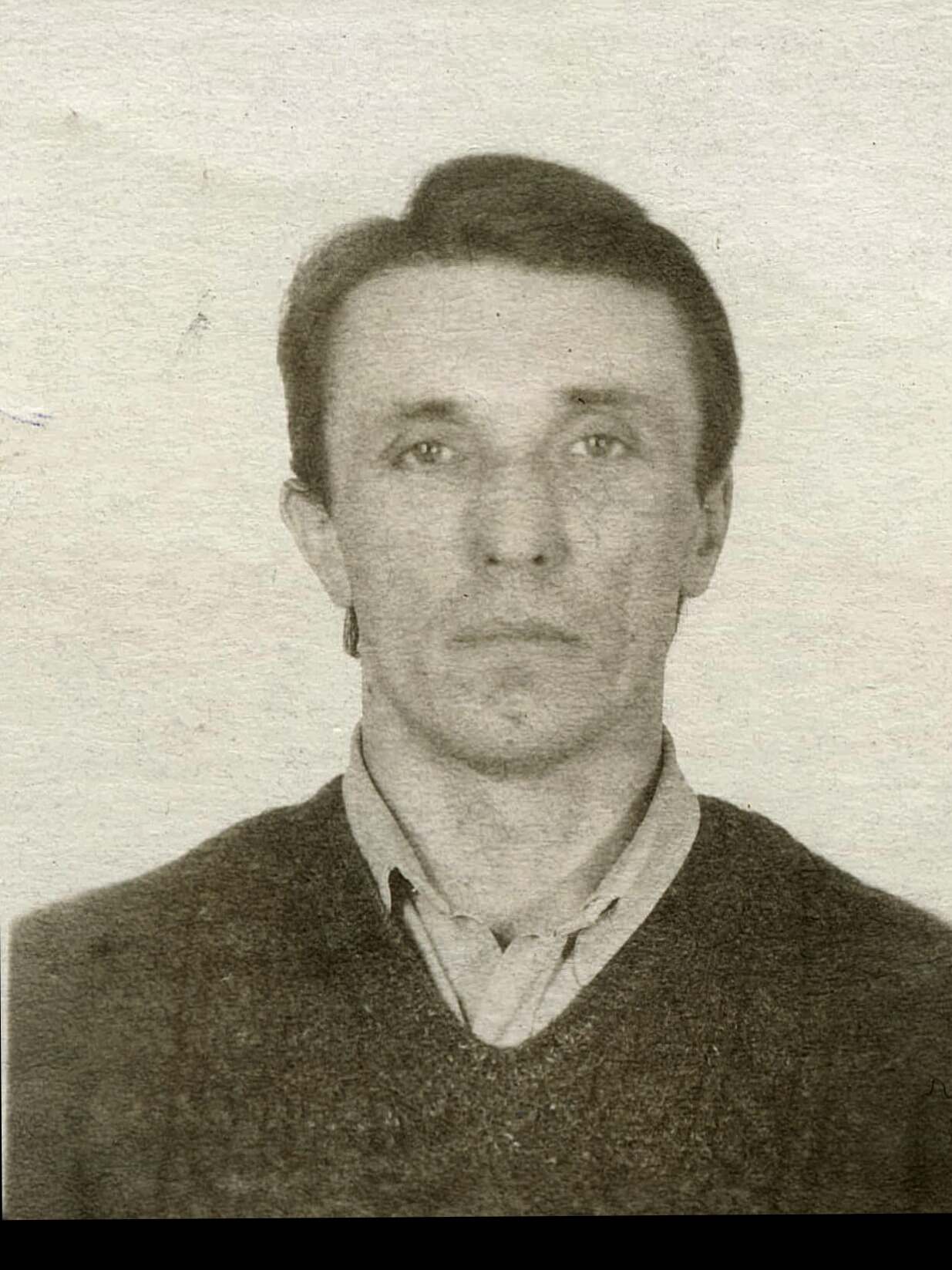 Before
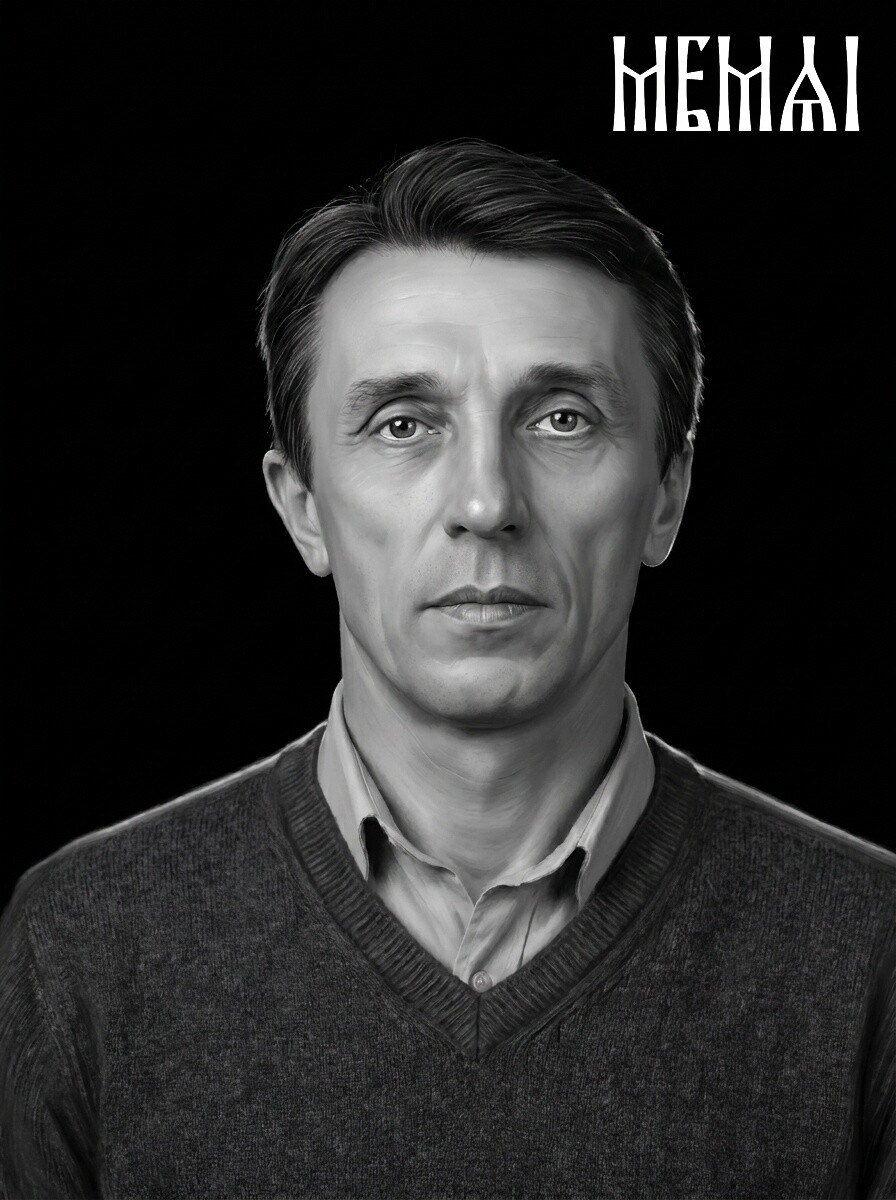 After
After
 Before
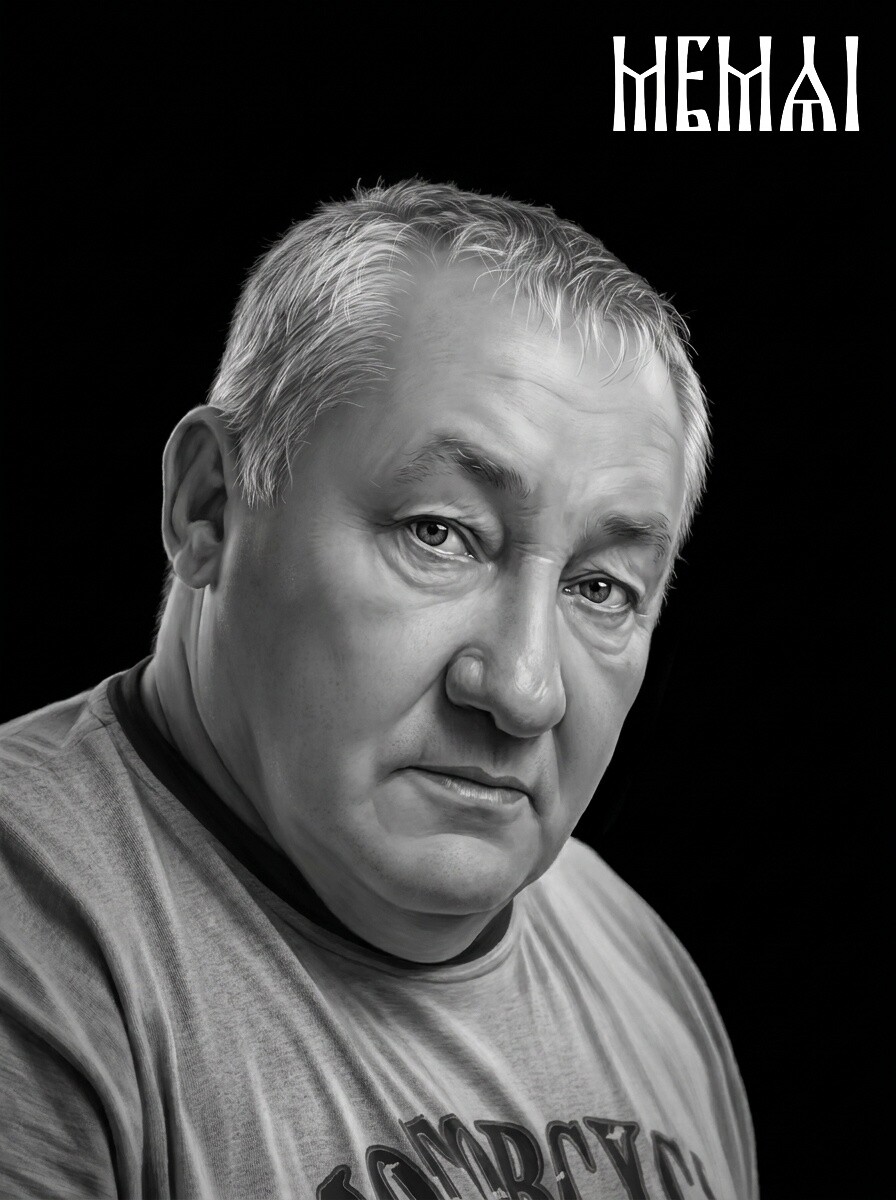 After
After
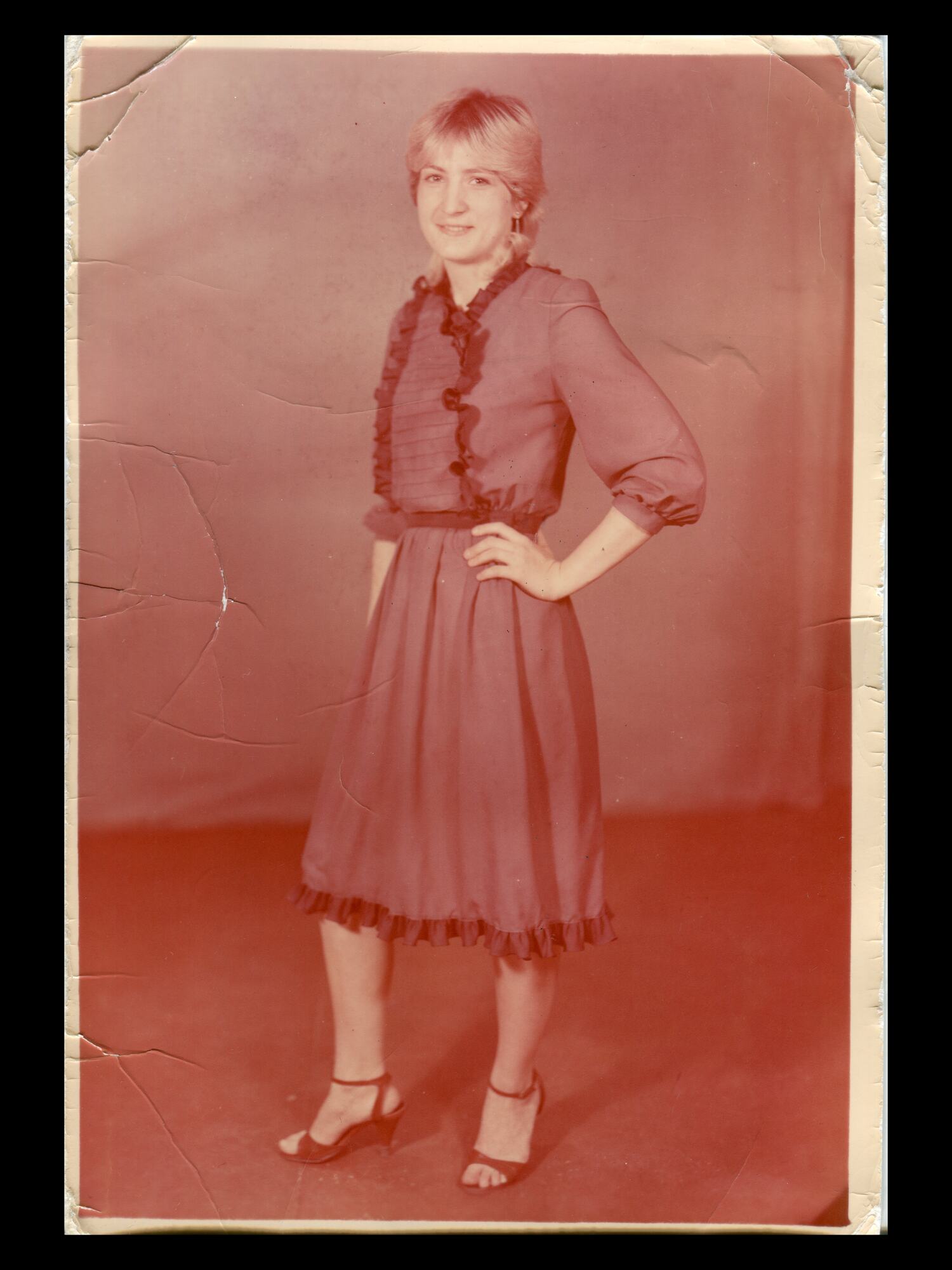 Before
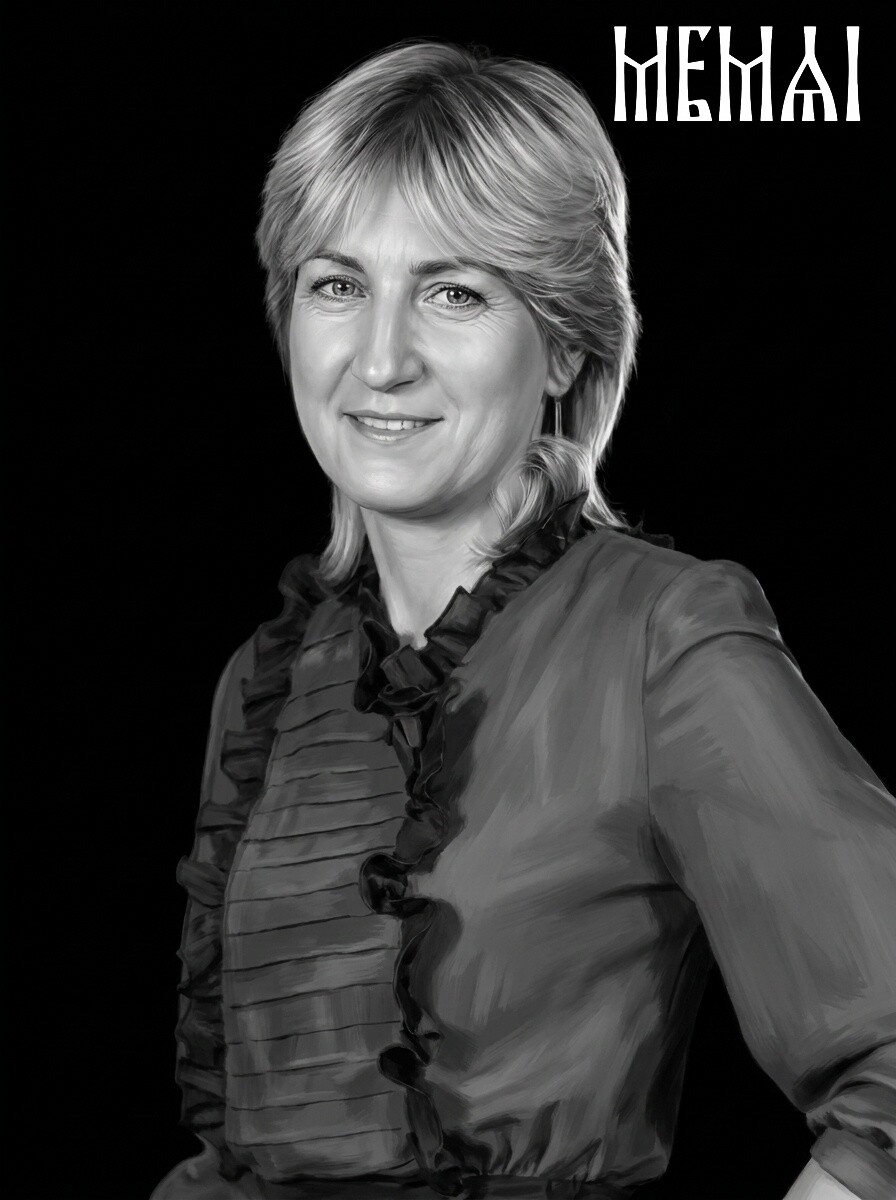 After
After
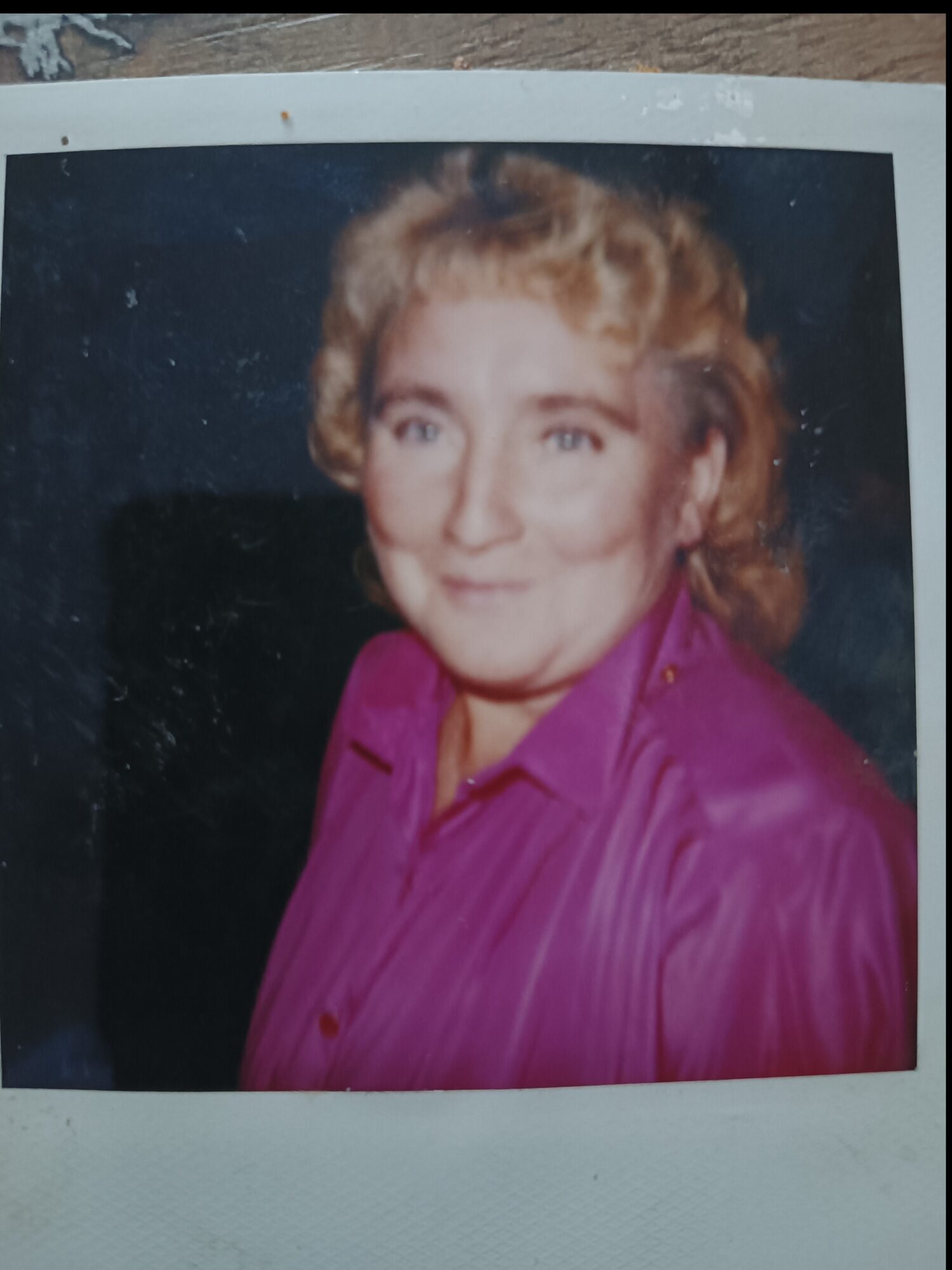 Before
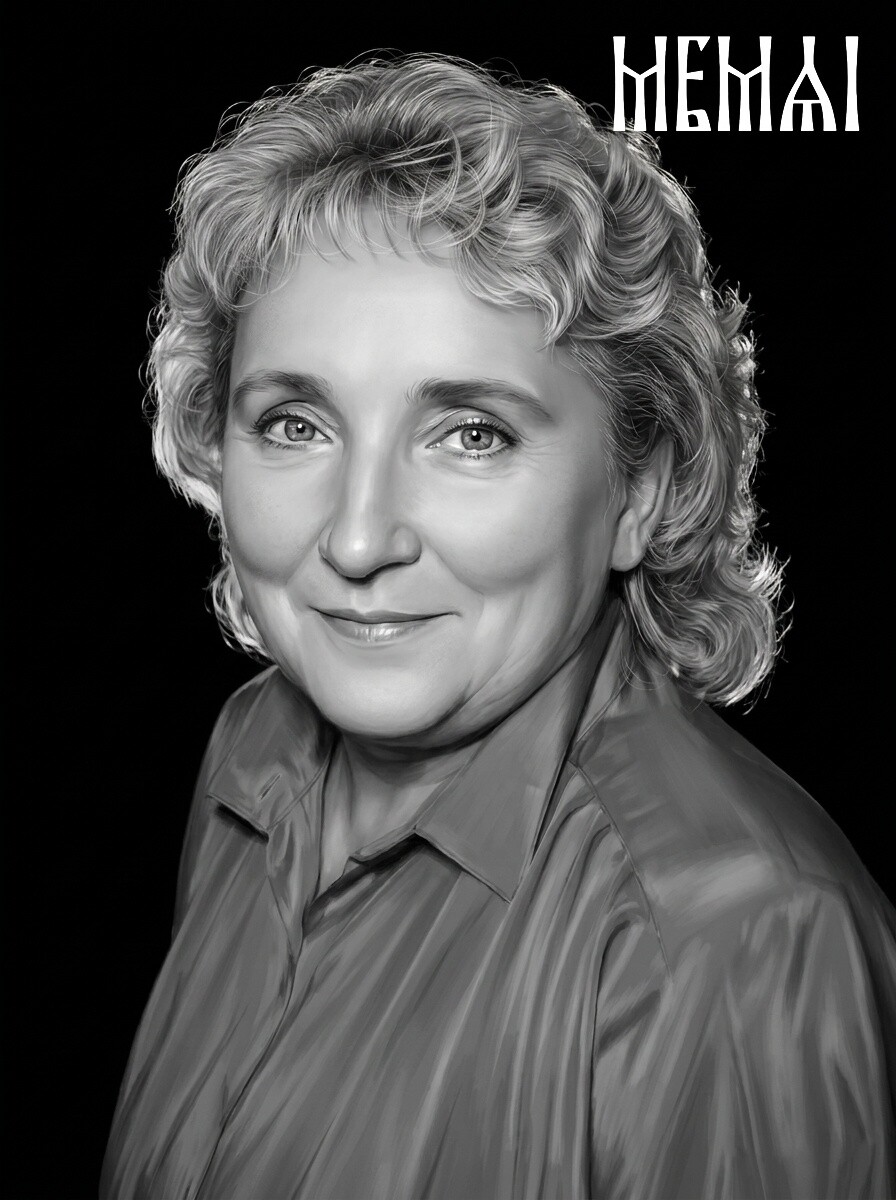 After
After