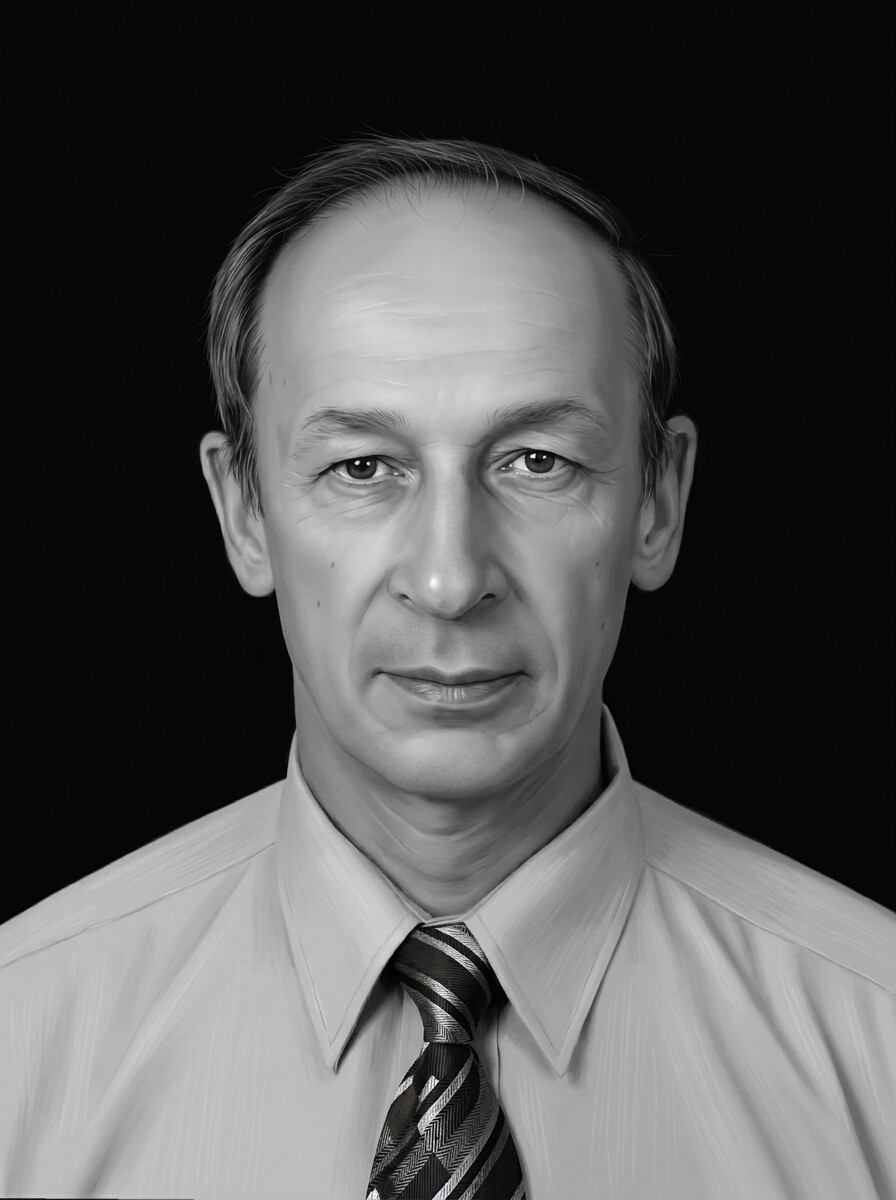
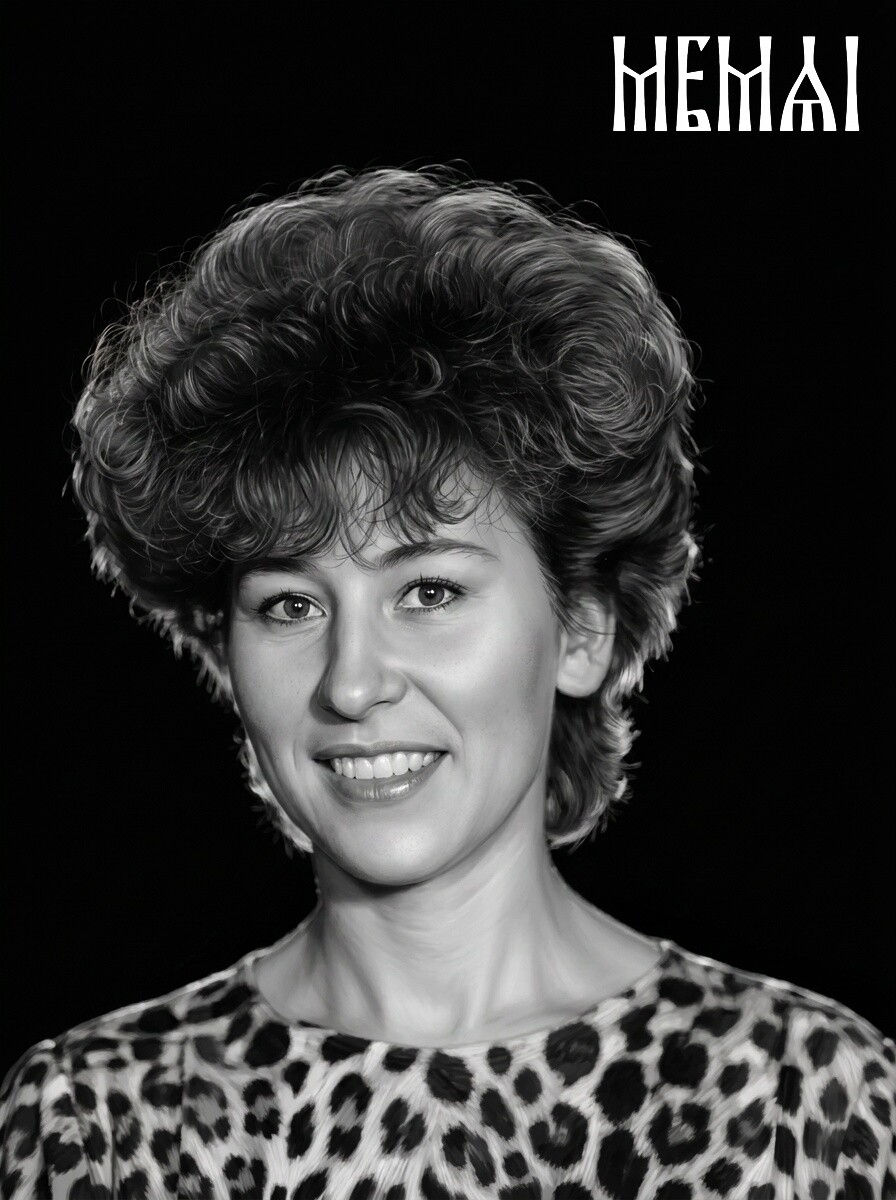
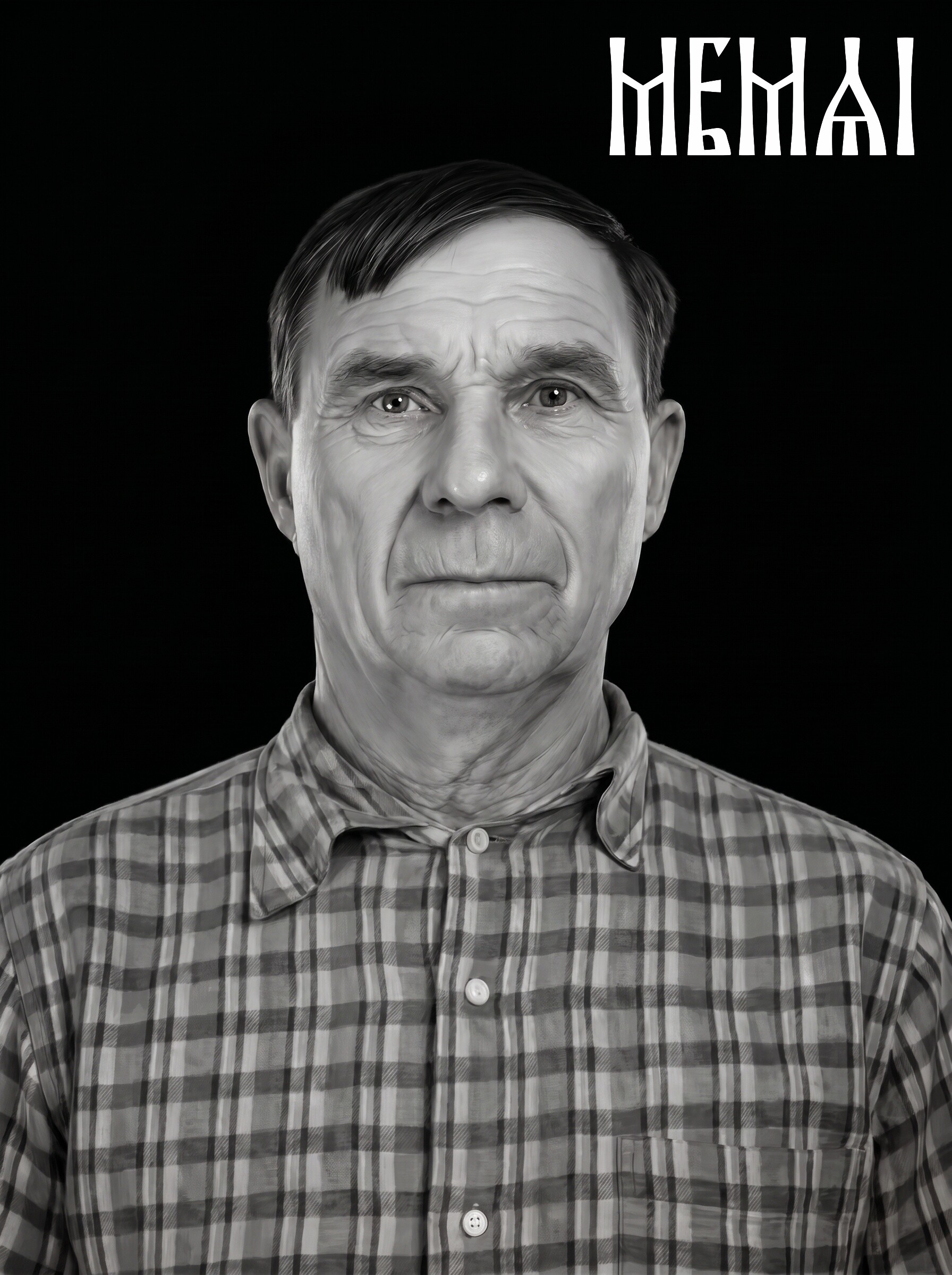
Why granite portraits need special retouching
On black polished granite, a portrait is drawn in light. The laser (or the impact tool) removes the dark polish point by point, leaving lighter marks — so the image is effectively built from bright dots on a near-black surface. That inverts the usual photographic logic: shadows cost nothing, but every highlight has to be earned, and midtones are where portraits live or die.
An ordinary photo — even a good one — is not ready for this. Skin tones sit in a narrow tonal band, backgrounds compete with the face, and soft digital noise that is invisible on a screen turns into gritty texture on stone. That is why photo preparation for granite is its own discipline: the portrait is rebuilt with deliberately expanded contrast, cleaned tonal transitions, defined eyes and hair, and a background that either disappears entirely or fades into a soft halo around the person.
 Before
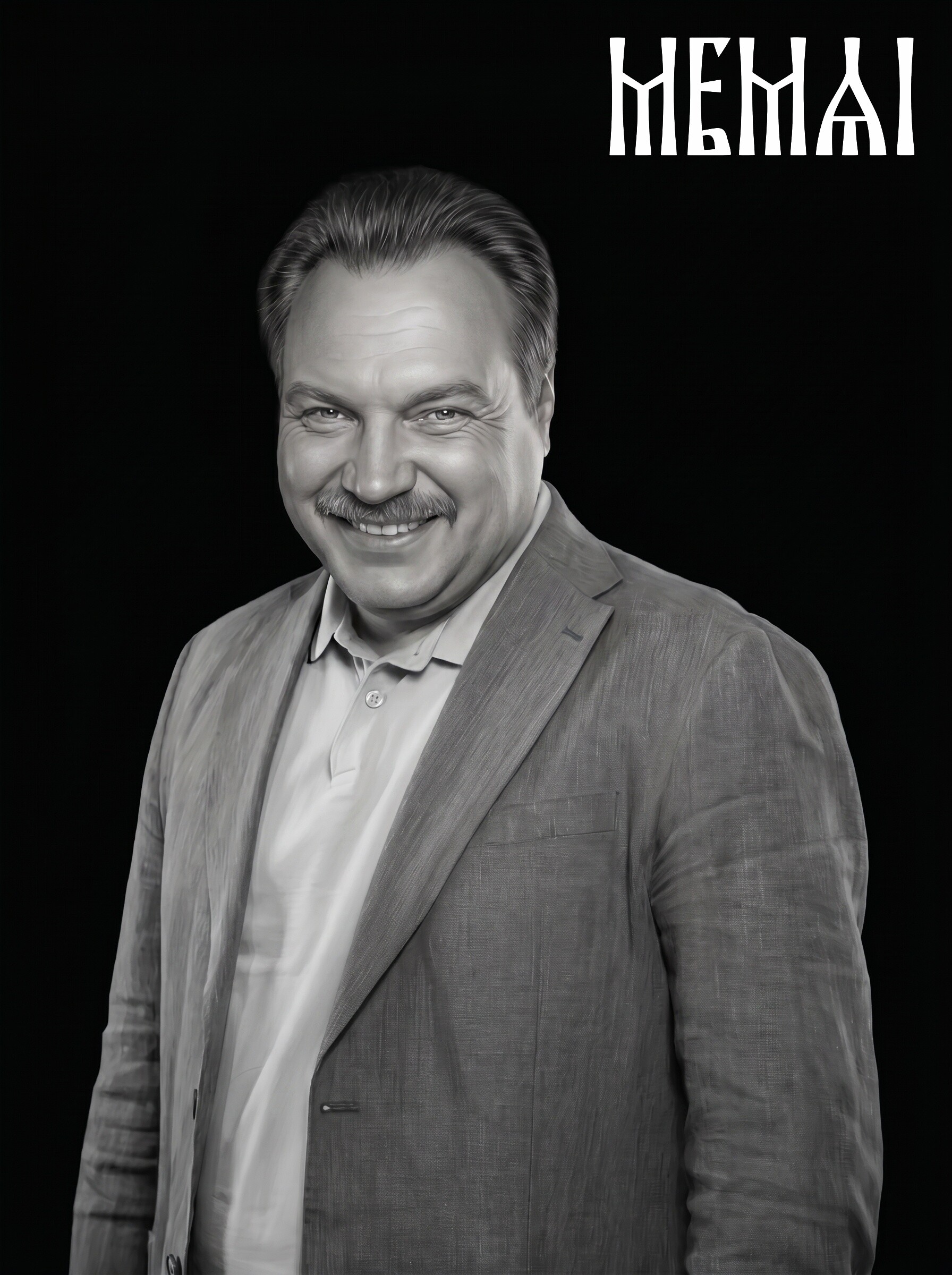 After
After
Laser etching vs. impact etching: what changes in the prep
Two technologies dominate granite portraits, and the file is prepared with the machine in mind:
- Laser etching burns thousands of fine points into the polish. It reproduces delicate tonal gradients — soft cheek shading, wisps of hair, fabric texture — so the prepared portrait can keep smooth, photographic midtones. The risk is the opposite one: a flat, low-contrast source produces a gray, lifeless etch.
- Impact etching (rotary or pneumatic diamond tip) strikes a coarser dot. Fine gradients get lost, so the portrait needs bolder tonal separation: stronger jaw and cheek modeling, clearly opened eyes, simplified clothing detail.
The good news: both start from the same master file — a restored, retouched, high-resolution portrait on a clean background. A well-prepared master carries enough contrast structure for an impact machine while keeping the smooth transitions a laser can use. Machine-specific settings (DPI, dithering pattern, power) are applied by the operator at the final step; if you run the machine yourself, our complete photo prep guide covers that stage in detail.
Memorial photo restoration: starting from a damaged original
Very few memorial portraits start from a clean studio photo. In practice the source is the photo the family could find: a print from the 1970s with creases across the face, a faded wedding photo, a small ID picture, a phone snapshot of a framed photo with glare across the glass. Memorial photo restoration is therefore the first stage of the work, before any engraving-specific retouching begins:
- Scratches, creases, stains and torn corners are repaired.
- Fading is reversed and the tonal range is rebuilt so the face has real shadows and highlights again.
- Film grain, scan noise and compression artifacts are removed — on granite these read as dirt on the skin.
- If only a group photo exists, the right person is cropped out and the composition rebuilt around them.
One honest caveat: restoration recovers detail that survives in the photo — it should not invent a face. A severely blurred thumbnail where the features are simply not there is a case for choosing a different source photo, not for more aggressive processing. When you enhance an old photo for a headstone, the measure of success is the family saying “that's exactly them,” not “that's impressive software.”
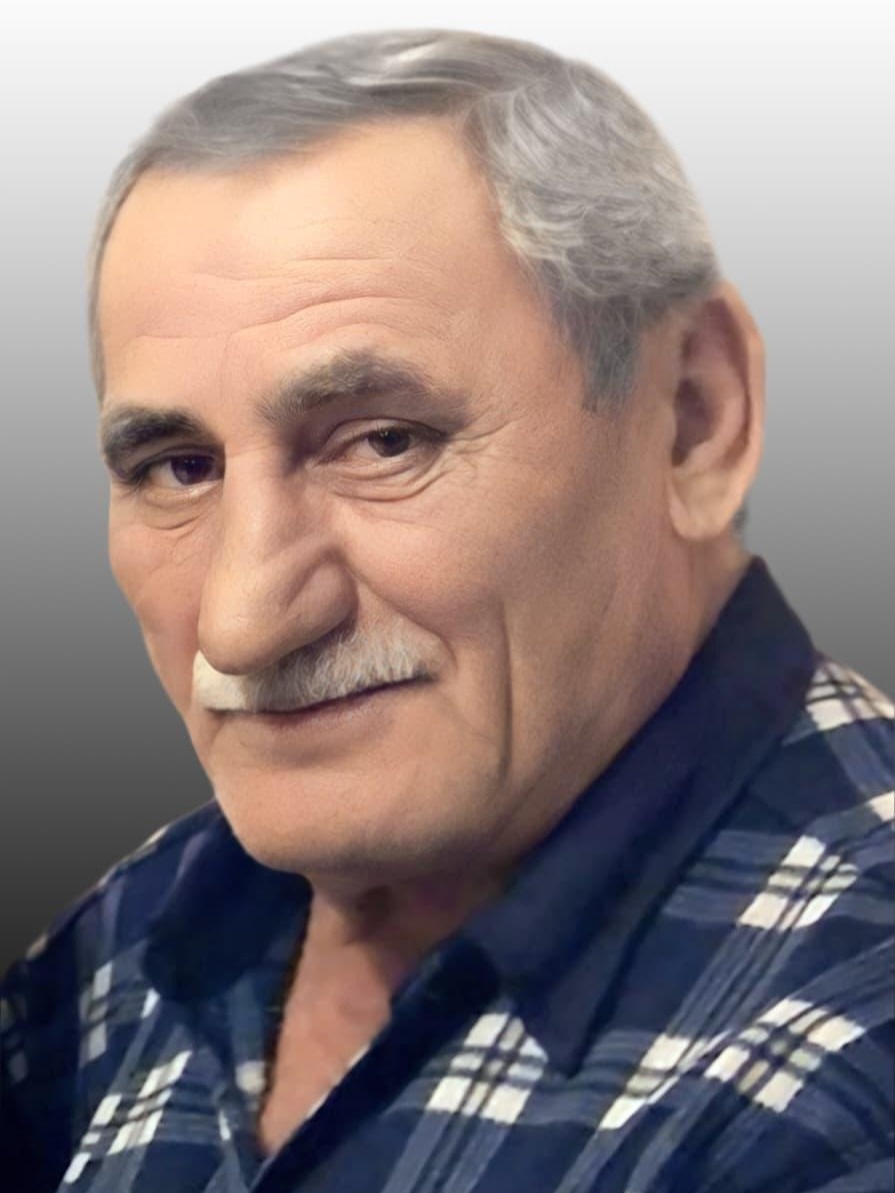 Before
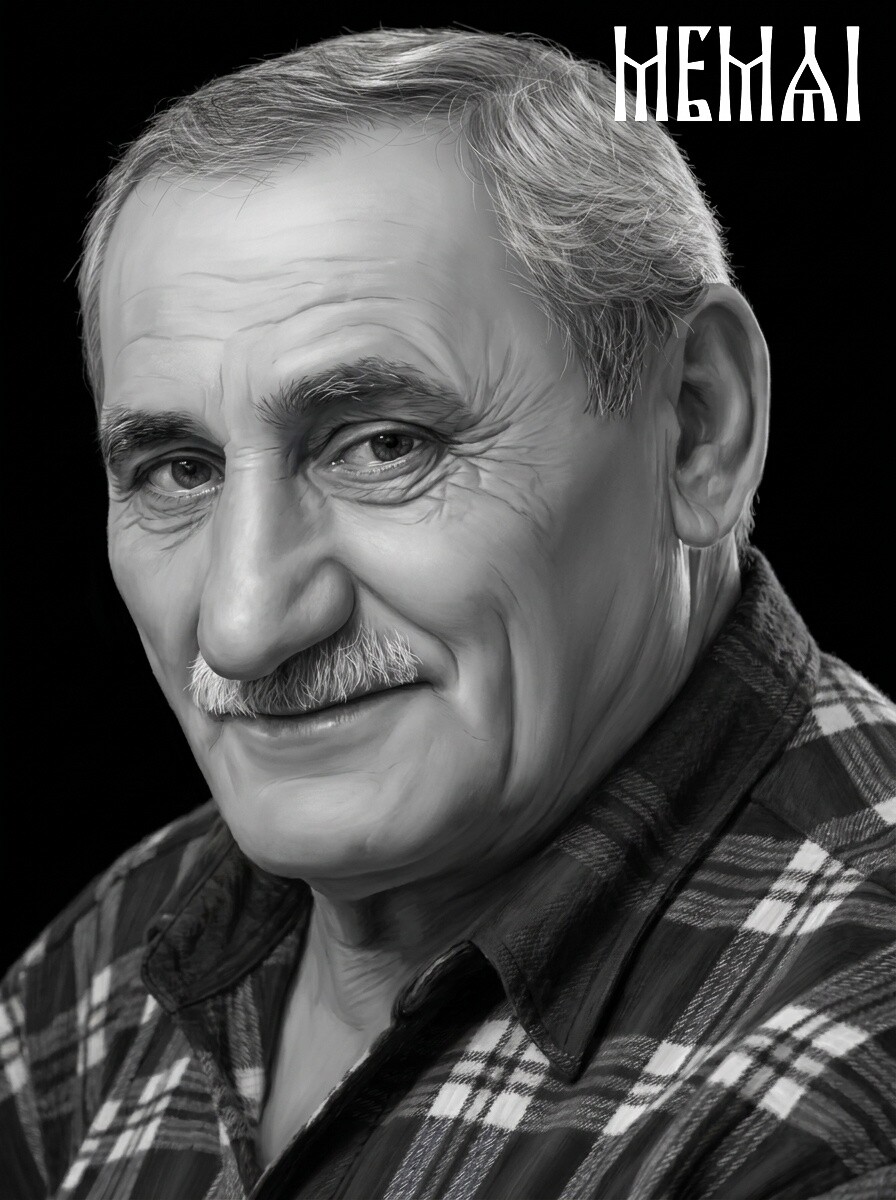 After
After
Keeping the likeness true — the rule that outranks all others
This is where memorial retouching differs most from everyday photo enhancement. Generic AI beautifiers and one-tap enhancers are trained to make faces conventionally attractive: they smooth wrinkles, reshape noses, brighten teeth, enlarge eyes. For a social media avatar that is harmless. For a headstone it is quietly devastating — the family receives a polished portrait of a stranger.
Proper monument portrait retouching is identity-preserving by design. The lines a person earned stay where they were; the asymmetries that made their smile theirs are kept; glasses, birthmarks and the particular set of the eyes are treated as features to protect, not flaws to fix. When you retouch a photo of the deceased, every editing decision is checked against one question: would someone who loved this person recognize them instantly? MemAI Studio's restoration models are tuned specifically for this — engraving-grade contrast and cleanup, with the face kept true to the original.
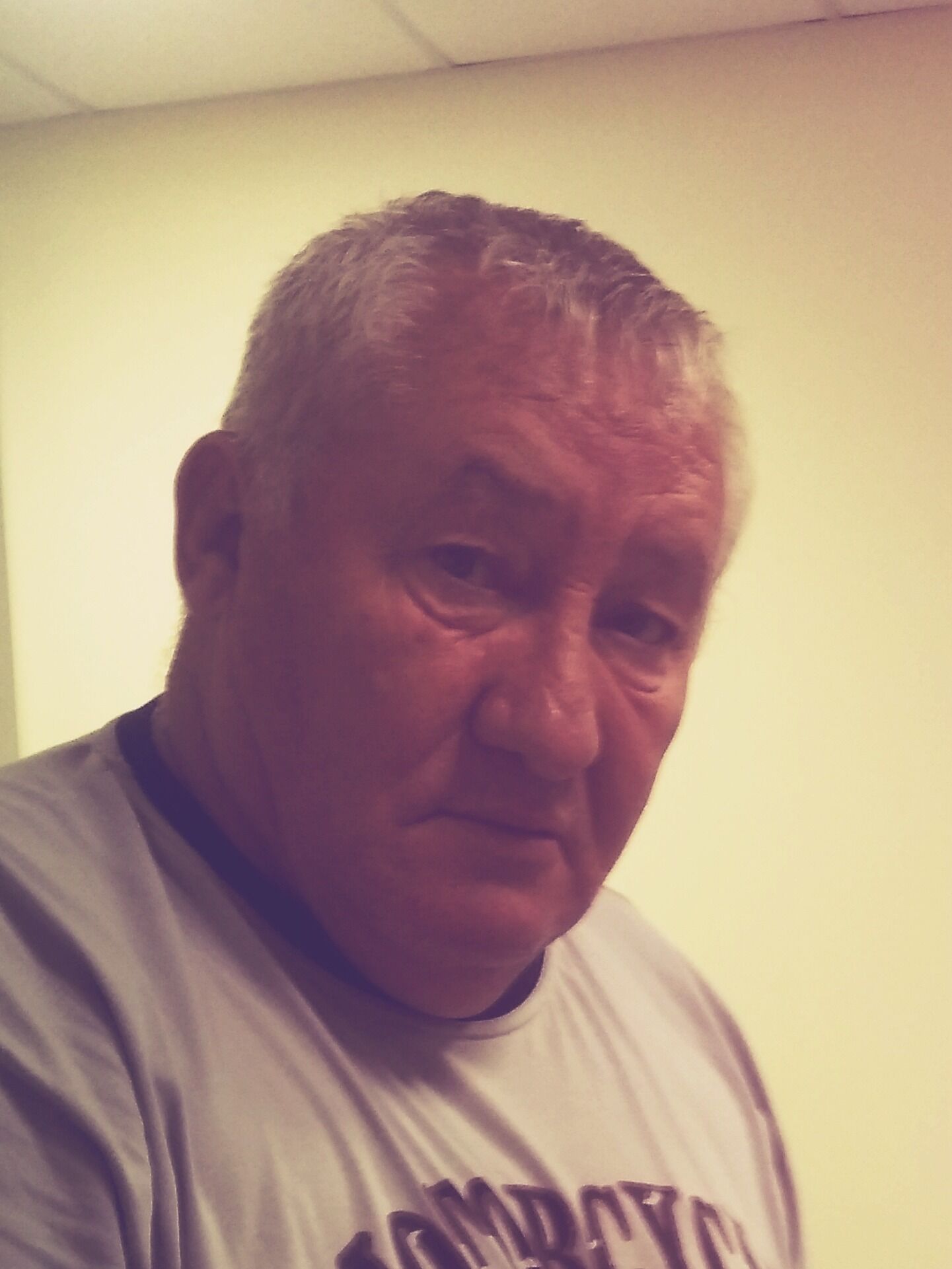 Before
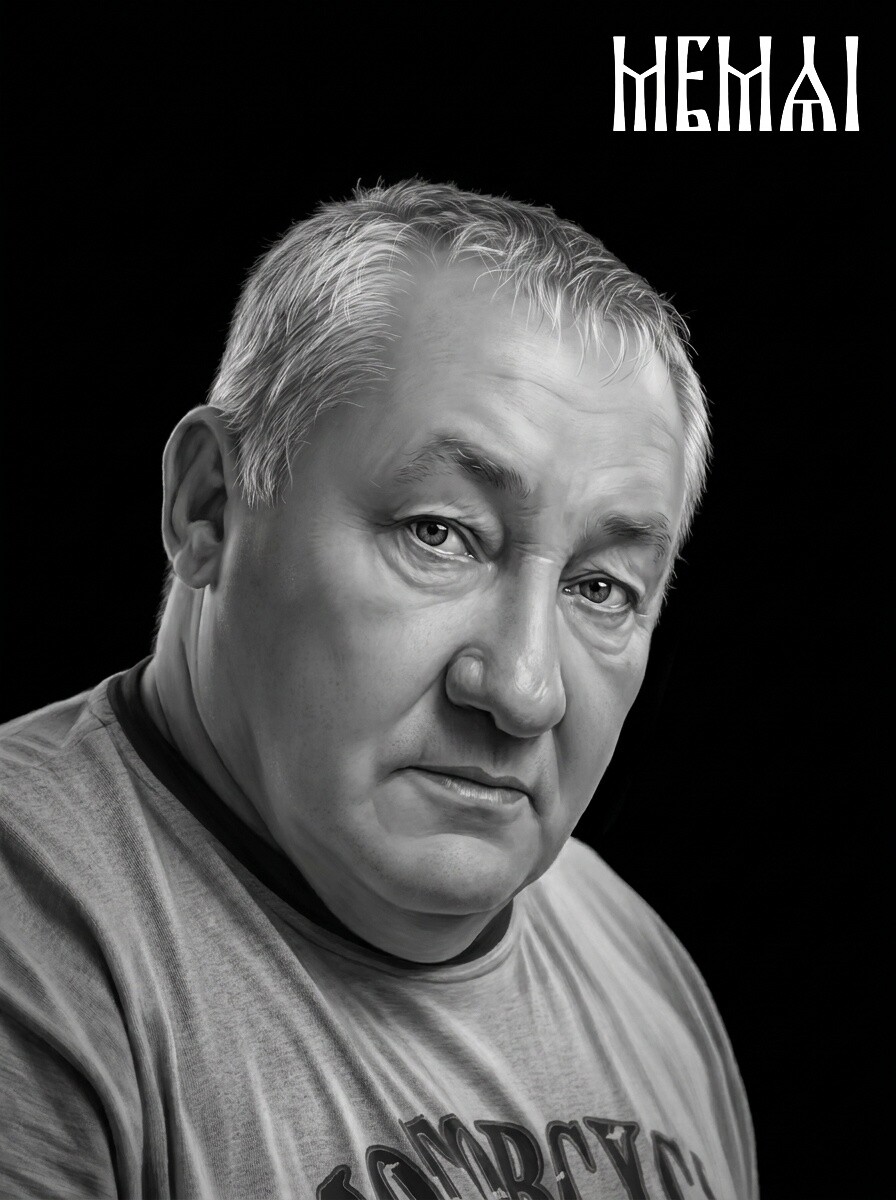 After
After
Try it free — first photo on us
Upload the photo you have — even an old, damaged one — and see the restored, granite-ready portrait in about 5 minutes. No signup, no software, and the demo is free.
Prepare my photo freeHow a memorial photo is prepared, step by step
Whether it is done by a human retoucher or by MemAI Studio's pipeline, photo retouching for a headstone follows the same sequence:
- Restoration. Damage repair, de-fading, noise removal — the photo is brought back to a clean, honest state.
- Engraving retouch. The portrait is remodeled for stone: expanded contrast, defined eyes and hair, controlled highlights that will not blow out into white patches on the granite.
- Background removal or halo. The busy background is removed completely, or replaced with a soft dark halo that blends into polished black granite.
- Machine-ready output. The final file is delivered in 4K — enough resolution for any common headstone portrait size, ready to drop into the engraving software.
A human retoucher typically needs a working day or more for this. The automated pipeline does it in about five minutes, at affordable per-photo pricing — which changes the economics for shops handling portraits every week.
 Before
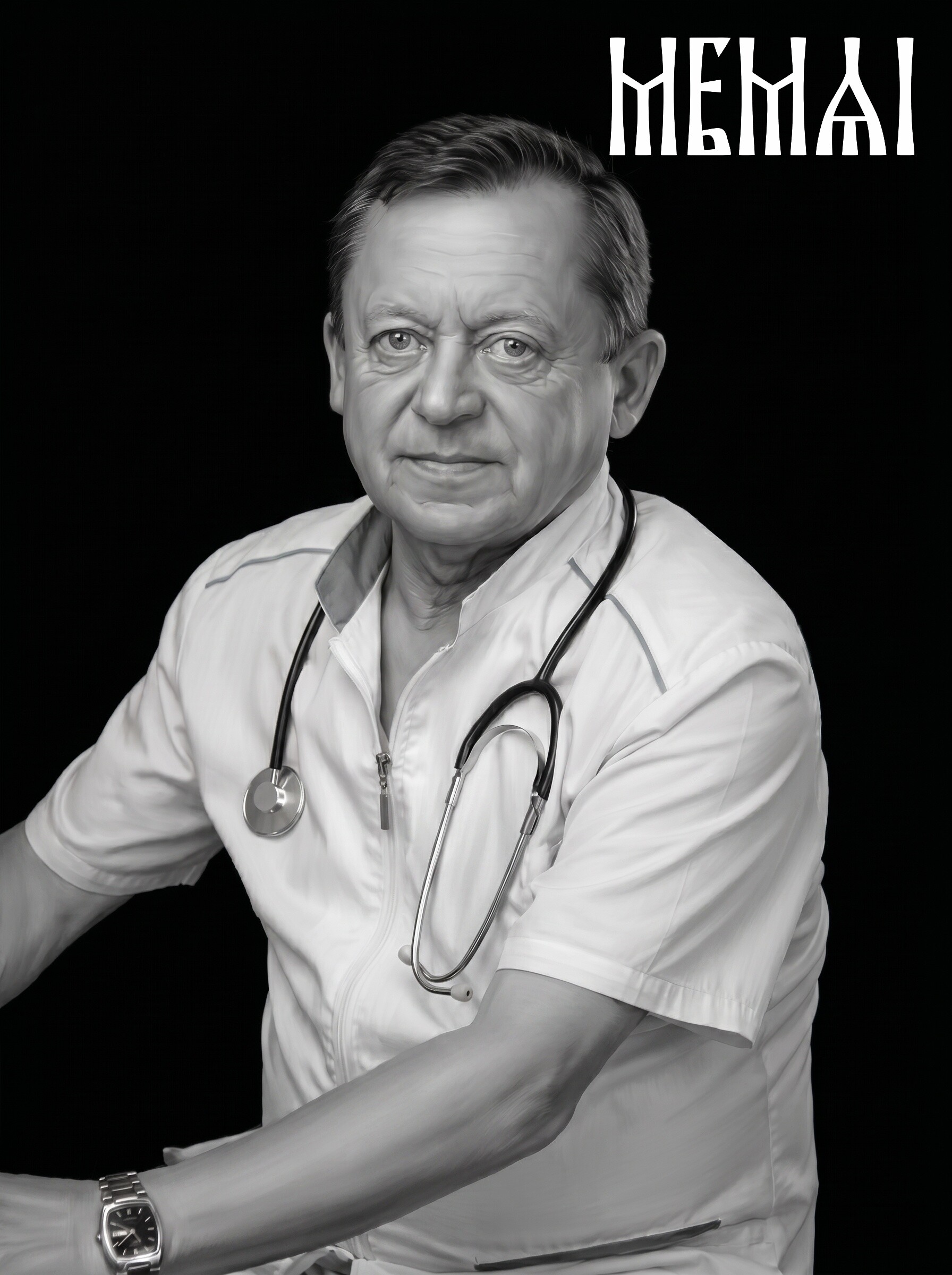 After
After
Ordering from a monument shop vs. preparing the photo yourself
If you are a family working with a monument company, you can simply hand over the best photo you have — most shops will arrange the retouching, usually by sending it to an outside retoucher. Expect that step to take a day or more, and know that you may not see the prepared portrait until it is approved for engraving.
The alternative is to prepare the photo for headstone engraving yourself and bring the shop a finished, machine-ready file. This keeps you in control of the one thing that matters most — approving the likeness — and it removes a queue from the process. You upload the photo, review the restored portrait, and pass the final file to the engraver. Our memorial portrait page walks through exactly how this works for headstone and gravestone portraits.
For monument companies: portrait prep at volume
Monument shops and laser etching businesses live with a bottleneck: every portrait order waits on a retoucher. Outsourced memorial portrait retouching services typically run $15–50 per portrait with turnaround measured in days — fine for one stone, painful for a busy season.
An automated pipeline changes that arithmetic. Each portrait is restored, retouched and isolated in about five minutes, in a consistent style across every order, at a per-photo cost well below outsourced retouching — and the operator can re-run or adjust a result immediately instead of emailing revisions back and forth. Files are processed in the browser and stored for three days, long enough to download and archive with the order. If you prepare portraits for granite regularly, see the volume options on our memorial portraits page for monument companies.
Frequently asked questions
What kind of photo works best for a headstone portrait?
One where the face is reasonably large in the frame, the eyes are visible, and the lighting is even. It does not have to be a formal portrait — a good frame from a family photo often works. Resolution matters more than age: a sharp old print usually beats a compressed messenger thumbnail.
Can a damaged or faded photo still be used?
In most cases, yes. Scratches, creases, water stains and fading are repaired at the restoration stage before engraving prep begins. The practical limits are severe blur and very low resolution — restoration recovers detail that still exists in the photo; it should not invent a face.
Do laser etching and impact etching need different files?
The portrait prep is the same: restored, retouched, high-contrast, clean background. A laser reproduces finer tonal detail, impact etching favors bolder contrast — but one properly prepared high-resolution master serves both. The operator applies machine-specific settings (DPI, dithering, power) on their side.
What resolution should the final file be?
For a typical 8–12 inch granite portrait, a 4K file (around 4000 px on the long side) is more than enough for both laser and impact machines. MemAI Studio outputs 4K by default, so the portrait scales to any common headstone size without visible loss.
Ready when you are
Create an account to prepare memorial portraits whenever an order comes in — restoration, identity-preserving retouch and background removal, machine-ready in about 5 minutes.
Create account